
How to Add Keypad and Video Intercom to an Electric Gate
Add keypad and video intercom access to an existing electric gate. Check operator fit, power, cabling and safety rules before you upgrade.
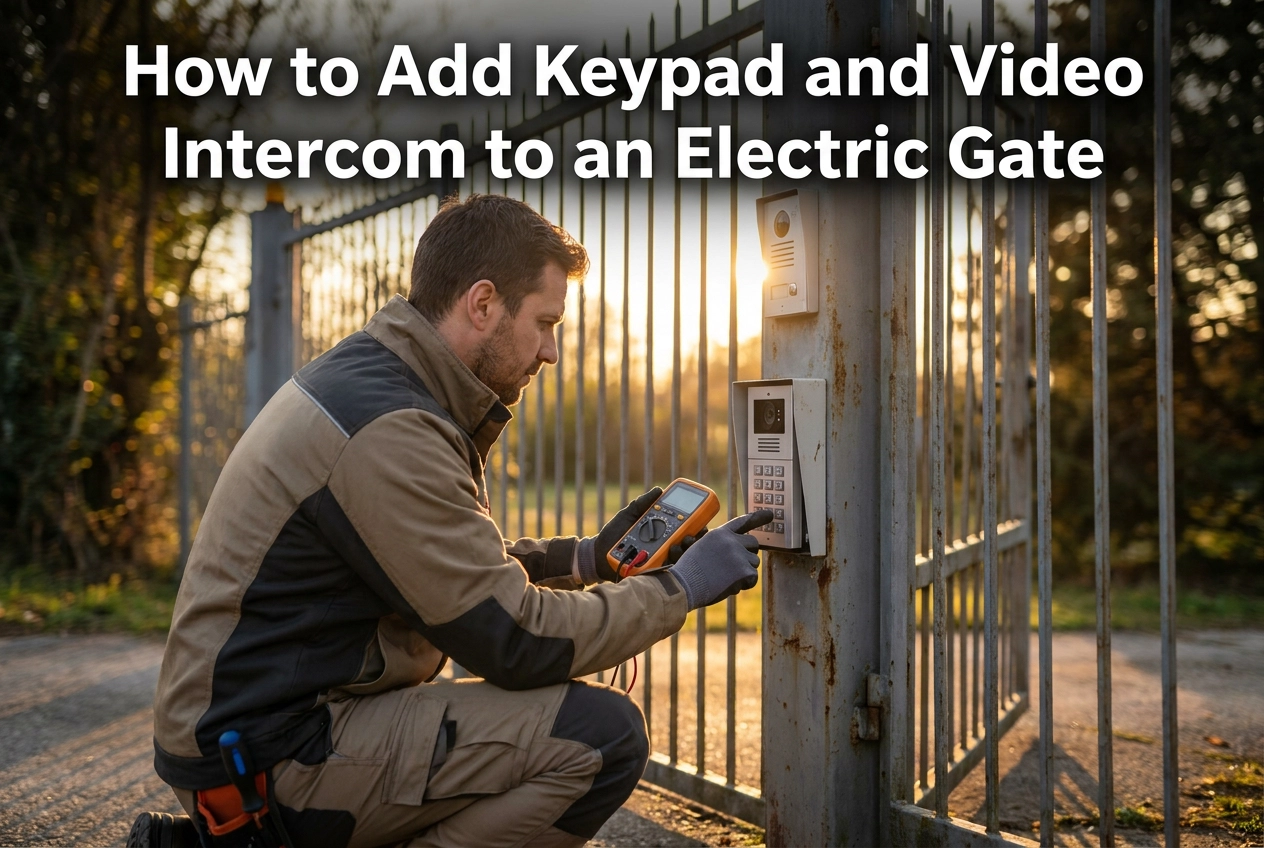
Adding a keypad and video intercom to an electric gate can feel like a simple hardware purchase. In practice, success depends less on which brand you choose and more on what your gate, operator, and site can already support. Before you compare products, you need to know whether the existing operator can accept new access devices, whether the gate and piers are structurally sound, and whether power, cabling, and connectivity are adequate. Safety is equally central. An upgrade changes how the gate is used and can trigger fresh duties under current gate safety standards, including BS EN 12453 and related mechanical and safety-device standards. This guide focuses on the decisions that determine a reliable result. You will work through why upgrading usually beats starting over, the four checks that decide whether your gate can take new hardware, how access hardware changes a gate's risk profile, how to match keypad and video intercom options to function and fit, and when a partial upgrade makes more sense than full replacement. It does not rank competitor brands. Instead, it helps you build a clear plan. When you are ready, Portara Automation can carry out a professional site assessment.
Why Upgrading an Existing Electric Gate Usually Beats Starting Over
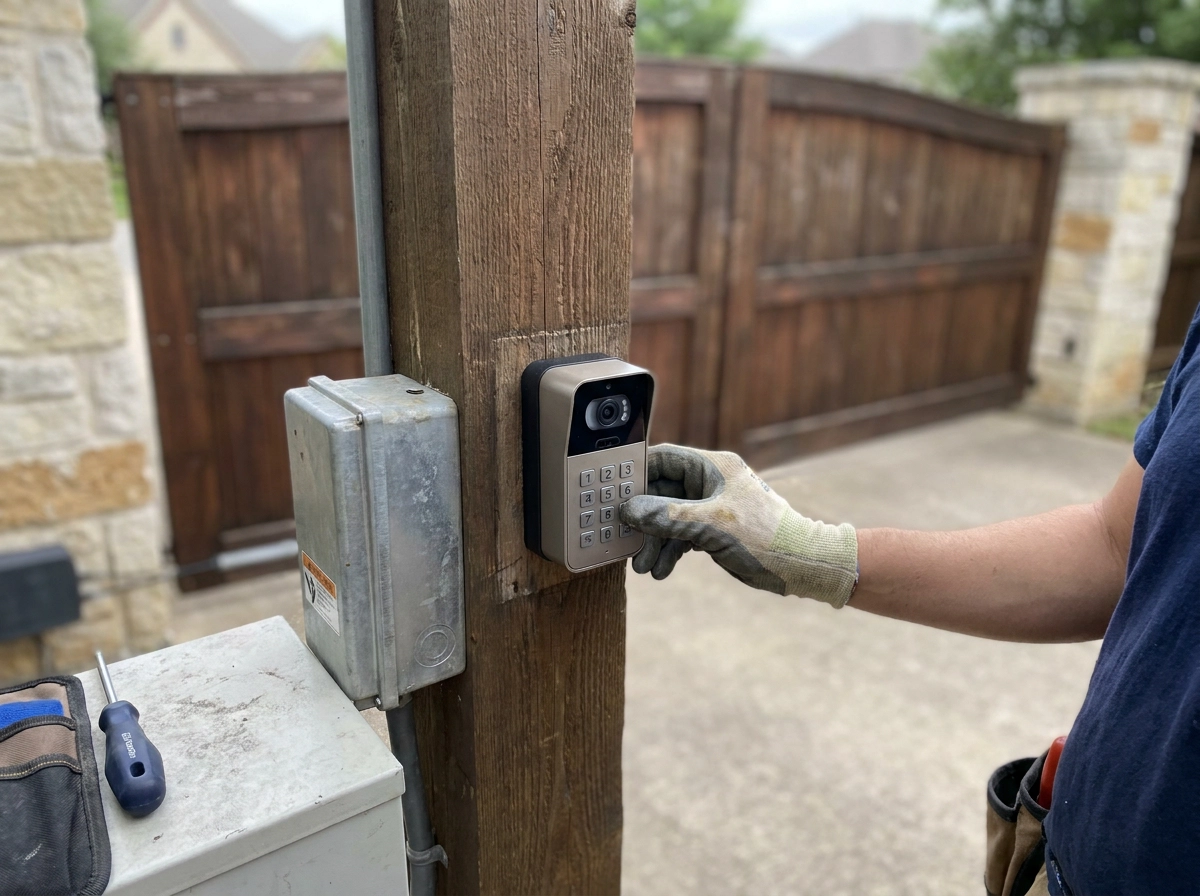
Most driveways already hold the costly, disruptive elements: gate leaves, piers and foundations, underground ducting and a working operator. Adding keypad and video intercom access is usually a controls and wiring project, not a gate replacement. A partial upgrade keeps the leaves, structure and, where compatible, the existing operator, while replacing or extending the access control layer: keypad, intercom, receiver, safety devices and wiring.
Homeowners and property managers choose this route to avoid disturbing established or listed piers, preserve gate aesthetics matching the property, and keep structurally sound leaves that would be expensive to replicate in timber or steel. This applies when you retrofit an electric lock to an existing gate.
The Four Checks That Decide Whether Your Gate Can Take New Hardware
Not every gate can take new hardware. Work through four checks in order.
1. Operator compatibility. Find the make and model on the panel. Does it have free inputs for your accessories? Older panels may only accept dry-contact triggering.
2. Gate and structure condition. Piers, posts, hinges and leaves must carry the extra weight, wiring and operating force. Weak foundations or seized hinges add risk, not remove it, whether you are upgrading or retrofitting an existing manual gate.
3. Power and cabling. Confirm the gate supply has spare capacity and cable runs have enough cores for a keypad, intercom and safety devices. Video needs a data path.
4. Safety and standards. The finished installation must meet current safety expectations, including a risk assessment of how people use the gate: environment, user type and force limitation.
Gather photographs of the gate and piers, the operator make and model, the control panel label, and the cable route to the house. Missing details are normal; a site visit resolves them.
Check 1: Can Your Existing Operator Support a Keypad and Intercom?
Start with the operator: find the make, model and production or installation date on the control panel or motor housing. That detail determines manufacturer support, spares, documentation and serviceability.
The real question is inputs, not products. Most panels expose terminals for an external push button, keypad or intercom, labelled open, pedestrian or partial open, and stop. Free usable inputs let a keypad or intercom trigger the gate.
Check the protocol next. Older panels typically offer dry-contact (volt-free) triggering; newer ones may use bus or proprietary connections. Your access hardware must match the panel, or it needs an interface module, or the panel may need replacing. This is where access control integration matters.
Plan the intercom position. Video needs a call path from entrance to house plus power or data for the internal monitor. Long runs, thick walls and outbuildings decide wired versus wireless.
Confirm pedestrian design early. If keypad users walk in, check for a separate pedestrian leaf or whether the main gate serves both; this changes hardware and safety requirements.
Some points cannot be settled from the driveway. Discontinued ranges, undocumented installations and older firmware should be verified against manufacturer documentation or by an installer before you order.
Check 2: Gate, Piers and Structure Must Be Fit for Purpose
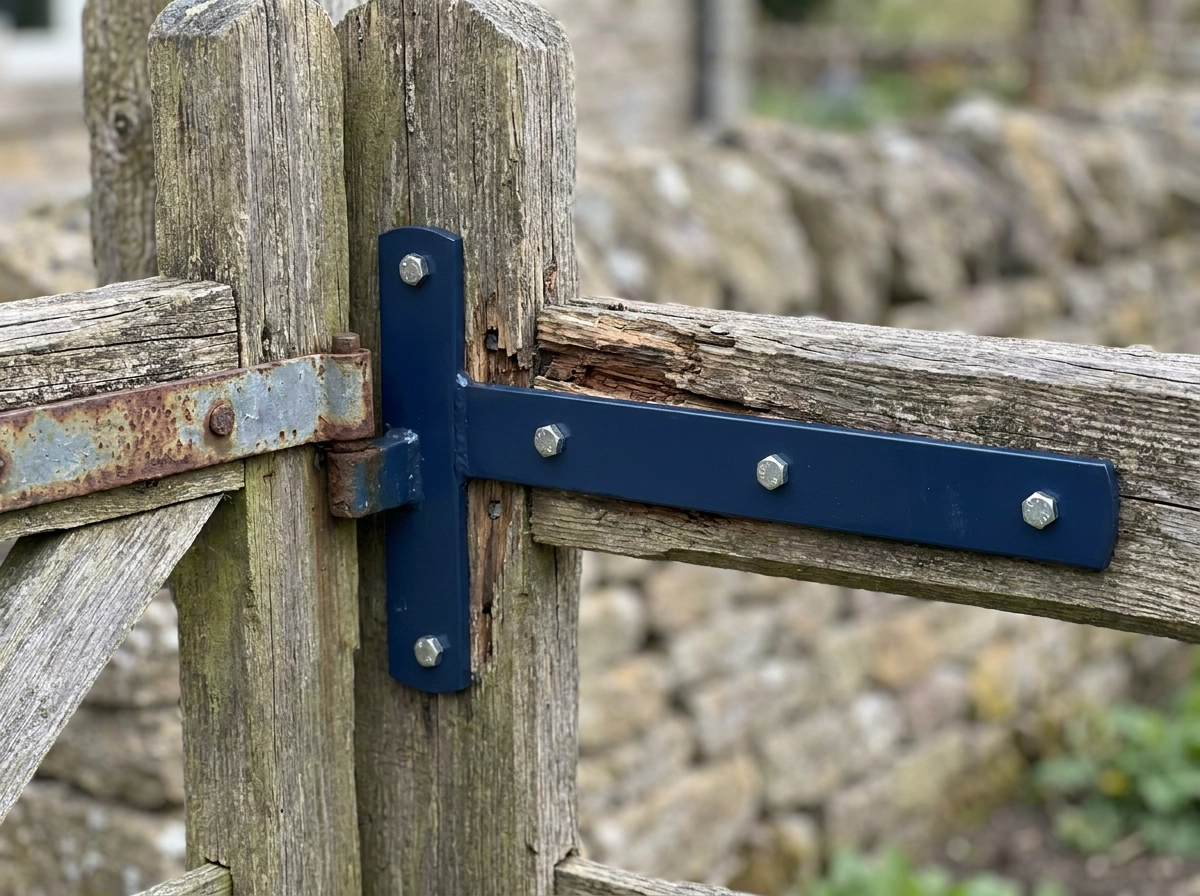
Structure is safety critical, not cosmetic. Gate Safe warns that where a pier or post is not fit for purpose, a particular type of accident is inevitable. New hardware bolted to a weak pier does not remove that risk; it adds weight, wiring and operating force to it.
Inspect hinge posts, pier foundations and leaf rigidity. Look for corrosion around welds, sagging leaves, seized hinges, loose infill panels and repairs left unfinished. Then compare leaf weight and geometry against what the operator is rated for. Timber and wrought-style gates swell, twist and drift out of alignment, so what worked when the gate was new may not work now. Where a bespoke gate is sound apart from one element, reinforcing or replacing a single pier or leaf costs less than a full replacement. If the structure fails this check, no choice of keypad or intercom will make the gate safe.
Check 3: Power, Cabling and Connectivity on Site
With the structure cleared, confirm the supply at the gate. Whether the operator runs on mains or a low-voltage/battery supply affects what new hardware can share, confirm which you have.
An installer will need to count available cable cores, additional devices often need more conductors than the original run. Review access control and intercom options for electric gates with that limit in mind.
Video typically demands the most from cabling; an installer should assess whether existing cable is suitable or needs replacing. Audio-only intercoms are a lighter alternative where video is impractical.
Wireless links can avoid trenching and driveway disruption, but performance depends on distance, obstacles, building fabric and local interference. Treat wireless as a design choice, not a guaranteed shortcut.
An installer should verify that photocells, safety edges and monitored inputs can be accommodated within the available cable capacity alongside new access control devices. Earthing and surge protection are worth raising with your installer, particularly on coastal or exposed sites.
Check 4: Safety, Standards and the Risk Assessment Your Upgrade Triggers
With power and cabling settled, the final check is safety. Core reference: BS EN 12453:2017, published 31 July 2018, setting requirements and test methods for power-operated gates on residential premises and superseding BS EN 12445:2001 and 12453:2001. BSI lists it current and under review in 2026, so confirm the latest position before quoting. Supporting it: BS EN 12978:2003+A1:2009 for safety devices and BS EN 12604:2017+A1:2020 for mechanical aspects. HSE bulletin EPD1-2018 (26 November 2018) confirms the new standards replaced four older standards from 2000 and 2001. It advises upgrade risk assessments cover the environment and type of user, design measures, force limitation below the specified maximum, and safety-function monitoring before each movement where possible. Apply with judgement: the bulletin targets mainly vehicular use in workplaces, car parks and shared premises, so a domestic driveway needs interpretation, not box ticking. Adding a keypad or intercom changes how people call, enter and wait, so the safety case must be revisited, not reused. See UK safety standards and legal compliance for powered gates.
Why Standards Alone Are Not Enough
Meeting BS EN 12453:2017 is the floor, not the ceiling. As Gate Safe states, adherence to standards alone will not meet all the Essential Health and Safety Requirements under the Supply of Machinery (Safety) Regulations 2008. No product is safe in isolation; only an installation assessed in its own context is.
That is why each gate needs its own risk assessment. Identical keypads and intercoms on two driveways can carry very different risks. Slope, sight lines, traffic, pedestrian routes and the people who use the gate daily all change the outcome, which is why a site assessment matters more than a specification sheet.
How New Access Hardware Changes a Gate's Risk Profile
Because safety is installation-specific, adding access hardware changes the risk profile itself. A keypad invites pedestrians to use a vehicular gate, increasing exposure to moving leaves. That may point toward a separate pedestrian access point, extra detection, or revised force and speed settings. A video intercom changes how people approach the gate, callers pause while talking, which is a foreseeable interaction the risk assessment should consider alongside detection zone coverage. After any upgrade, verify force limitation and safety-function monitoring rather than assuming original settings remain valid. Intercom and access control integration should therefore be planned around these behaviours, not just product features.
Keypad, Video Intercom or Both? Matching Hardware to How You Use the Gate
The risk profile is now clear; the next decision is hardware matched to how your gate is used. Keypads are the simplest addition, giving code-based access for residents, staff and regular visitors without running video cable to the house. In practice, keypads typically mean shared codes, code turnover when someone leaves, and no visual confirmation of who is at the gate, trade-offs to weigh against their simplicity. Video intercoms add verification, suiting deliveries, trades and tenant-managed properties where you see who is asking for entry before opening. The cost is a call path, a monitor or app, and adequate cabling or a reliable wireless link. Combined keypad and intercom setups suit shared driveways and rental properties, where residents need independent codes and unknown visitors need screening. In practice, audio-only intercoms offer far less cabling than video yet two-way verification, which suits long driveways and older properties where a video run is impractical. Decide on users, not features: multi-user sites will typically benefit from multiple codes, access logs and time restrictions; check whether your chosen hardware supports these before buying.
Partial Upgrade or Full Replacement? A Practical Decision Checklist
Whichever hardware you choose, next decide partial upgrade or full replacement.
Choose a partial upgrade when the operator remains supported and serviceable, the gate and piers are structurally sound, power and cable capacity exist or can be extended without major civil work, and the finished installation can meet current safety expectations.
Lean towards full replacement when the operator is obsolete or undocumented with no spare parts, the structure is failing, safety devices cannot be economically updated, or cabling is so limited that new hardware means a rewire anyway.
Trenching, cable renewal, pier repair, safety device upgrades and labour can quickly outweigh the cost of the keypad or intercom, request itemised quotes. Ask for a written scope separating the access control layer (keypad, intercom, receiver, wiring) from the mechanical layer (operator, hinges, structure, safety devices). Split that way, partial and full options compare fairly.
Judge lifespan per component. Gate leaves and steelwork typically have longer service lives than electronic components, so adding electronics alone is often the lower-cost long-term path when structure is sound.
What a Professional Site Assessment Should Cover
If the previous checklist leaves you undecided, the answer is a professional site assessment. A proper one measures the gate, not the brochure: gate type, leaf weight and geometry, pier and hinge condition, travel, clearances and obstructions in the swing or slide path. It then audits the operator, noting make, model, age, available control inputs, control panel condition and any moisture ingress or heat damage on the board. Power and cabling come next: supply type and spare capacity, cable runs and core counts, the route back to the house, and whether trenching is needed for video or extra devices. Safety is reviewed against current standards and an individual risk assessment. You should receive a written recommendation comparing partial upgrade with full replacement, with hardware matched to how you actually use the gate. Portara Automation is a specialist working across East Sussex, West Sussex and Kent, designing, manufacturing, installing and repairing gate automation and access control, so assessment is against your actual gate and site, not an assumed installation.
Conclusion: Turn These Checks into a Clear Upgrade Plan
A site assessment gives you the facts. Turning them into a plan takes four checks and one written document.
Confirm your operator's make and model first. Without it, no compatibility claim about a keypad or video intercom means anything.
Verify structure and cabling, not just electronics.
Revisit the risk assessment once access hardware is added. A keypad changes how people use a vehicular gate, so the safety case must reflect that new pattern of use, not the original installation.
As the checklist above sets out, a written scope split by layer makes partial and full options comparable.
If you would rather skip the guesswork, book a site assessment with Portara Automation. We design, install and upgrade gate automation and access control across East Sussex, West Sussex and Kent. One visit tells you whether your gate can take a keypad and video intercom without replacement.