
How to Diagnose Common Electric Gate Faults Before Calling an Engineer
Walk through the most common electric gate problems step by step and find out whether you need an engineer or a simple fix you can do yourself.
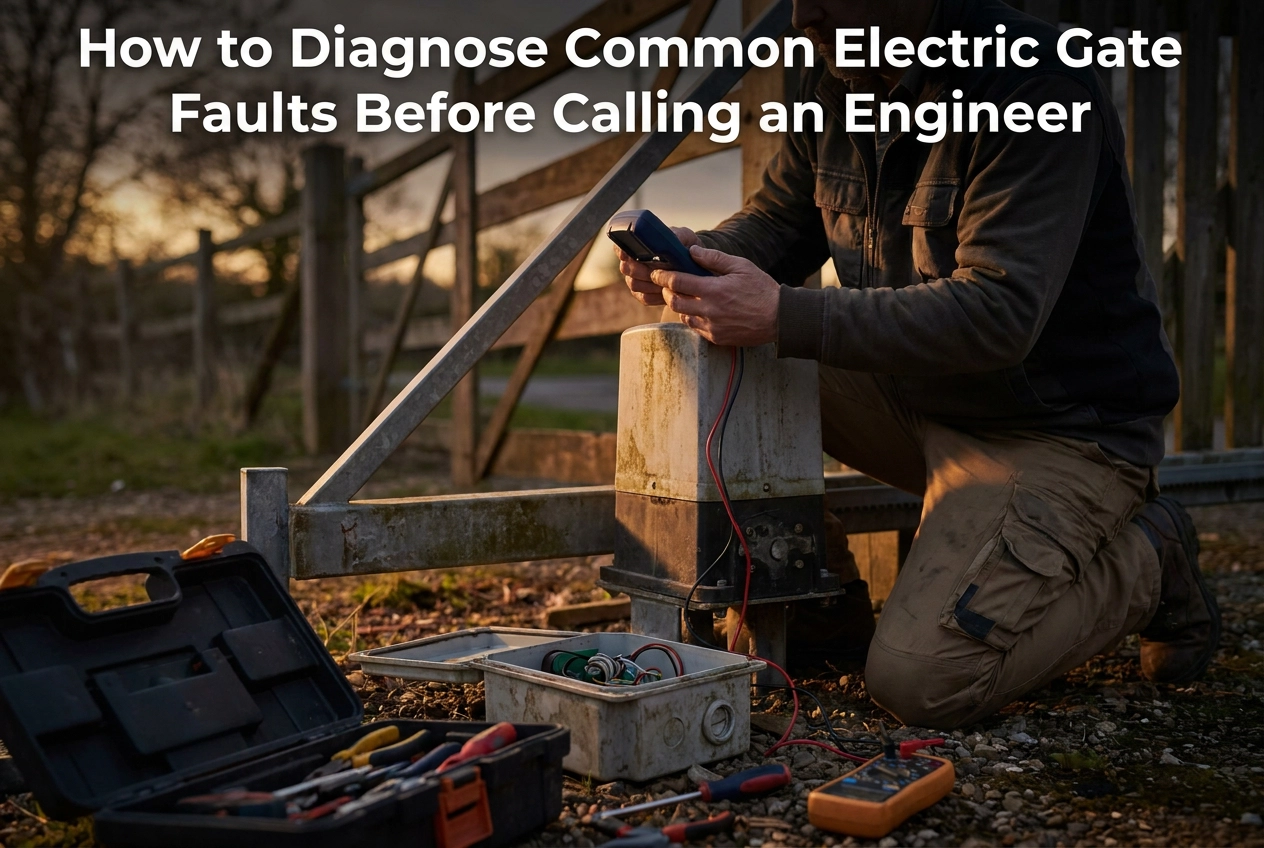
Your electric gate has stopped working, and suddenly your car is either trapped inside or locked out on the driveway. It is frustrating, inconvenient, and your first instinct is probably to search "electric gate repair near me" and hope someone can come out today. But before you make that call, there is a good chance you can figure out exactly what is going wrong yourself, and in some cases, even fix it.
The good news is that most electric gate faults come down to a handful of repeat culprits: a power issue, something blocking a sensor, a dead remote battery, or a component that needs a professional eye. Knowing which category your problem falls into puts you firmly back in control.
In this guide, we will walk you through a simple, beginner-friendly diagnostic process covering everything from checking your power supply to testing your remote and inspecting your safety sensors. By the end, you will know whether this is a quick DIY fix, a same-day engineer call, or something more urgent. No technical background needed, just a few minutes and this checklist.
Safety First: What to Do Before You Touch Anything
Before you touch a single component, take 30 seconds to do these checks in order.
Note any warning lights, error codes, or audible beeps on the control panel before you do anything else. These diagnostic signals vanish the moment power is cut, and they can point you straight to the fault category. Take a photo or write down what you see.
Then head to your consumer unit and isolate the circuit feeding the gate. UK domestic gate systems are mains-powered; contact with live internal wiring is a genuine hazard, not a theoretical one. Power off first, investigate second, without exception.
Once power is off, do not try to force the gate open or closed manually if it looks obstructed or if you heard the motor straining before it stopped. Forcing movement against resistance can strip the drive mechanism or cause injury.
Instead, look for the manual release or declutch handle on the gate operator. Many automatic operators include one, check your operator manual for its location, and it allows you to move the gate by hand safely while you investigate the fault.
Finally, keep children and pets clear of the gate throughout your checks. A fault condition can cause sudden, unpredictable movement if any power remains in the system.
If at any point you see scorch marks, smell burning, or the gate has trapped something, stop immediately and get in touch with a specialist. Our guide to Emergency Electric Gate Repairs covers what to do in those situations.
What You Will Need for a Basic Gate Fault Diagnosis
Before you start working through the steps below, gather a few basic items. Having them to hand means you will not lose momentum mid-diagnosis.
A torch or head lamp. Control panels, sensor housings, and wiring terminals are frequently tucked inside gate posts, underground ducts, or sealed weatherproof enclosures where natural light simply does not reach.
Replacement AA or AAA batteries. This is the single most commonly skipped first check. Flat batteries in a remote fob or keypad produce symptoms that look exactly like a serious control fault, so replace them before anything else.
A soft, dry cloth. Optical photoeye sensors block easily. Coastal properties in particular benefit from a regular cleaning routine, as covered in Step 2.
Your gate system manual or a photo of the control board. LED indicator patterns vary between manufacturers and mean nothing without a reference. If you have mislaid the paper manual, a photograph of the board label is a useful substitute. Our guide to maintaining and automating existing gates explains what to look for on common control boards.
A basic multimeter, only if you are confident using one. It can confirm whether a mains supply is reaching the gate panel. If you have any doubt about working near live electrical equipment, skip this step entirely and leave it to an engineer.
Step 1: Check the Power Supply First
With your kit assembled, head straight to your consumer unit before checking anything else.
Look for a tripped RCD on the circuit serving your gate. A tripped RCD sits visibly between the ON and OFF positions. Reset it by switching fully off then firmly back on. If it holds, restore power and test operation.
If the RCD trips again immediately, stop. There is a downstream fault in the gate wiring or operator that needs a qualified electrician or gate engineer before you proceed.
Check the external weatherproof socket or fused spur feeding the gate panel next. An accidentally switched-off spur is a surprisingly common cause of a completely dead gate and takes seconds to rule out.
After a storm or regional power cut across East Sussex, West Sussex, or Kent, a mains-powered operator's control board can behave unpredictably following voltage dips. Once mains is restored, a clean power cycle (off for 30 seconds, then back on) often clears the fault entirely.
If your gate is sluggish or only partially responding, a depleted battery backup unit is the likely cause, particularly after a prolonged outage. Backup batteries maintain limited movement during cuts but drain quickly. For guidance on keeping these systems in good health, see Maintaining Your Electric Driveway Gates.
If power is confirmed throughout and the gate still does not respond, move on to the sensors.
Step 2: Inspect the Safety Sensors and Check for Obstructions
With power confirmed, the next most common culprit is a blocked or misaligned safety sensor.
Most automatic gates use infrared photoeye pairs, one transmitter and one receiver, mounted low on the gate posts. When something breaks the beam, the gate halts or reverses immediately. A single cobweb, leaf, stone, or smear of road grime on either lens is enough to keep the gate stuck.
What to do:
Clean both sensor lenses with a soft, dry cloth.
Stand behind each sensor head and check they point directly at each other. A knock from a vehicle, garden machinery, or frost heave can shift alignment enough to cause a fault.
Restore power and run one full open-close cycle.
Coastal properties will need to repeat this more frequently, see the UK Weather section for guidance. For broader guidance, see Maintenance, Servicing, and Repairs: Keeping Your Gate Running Reliably.
Gate type matters here too. Sliding gates are particularly prone to track obstructions; grit, displaced gravel, and autumn leaves can physically block travel or lodge under the drive wheel, triggering a safety stop with no sensor fault present. For swing gates with hydraulic or electromechanical rams, debris around the ram mounting points can produce false torque readings that trip the operator's overload protection. Clear the ram area and gate post before suspecting anything more serious.
If the gate runs normally after cleaning, note the date. Repeated blockages within a short period suggest a longer-term fix is warranted.
Step 3: Test the Remote, Keypad, and Access Control Devices
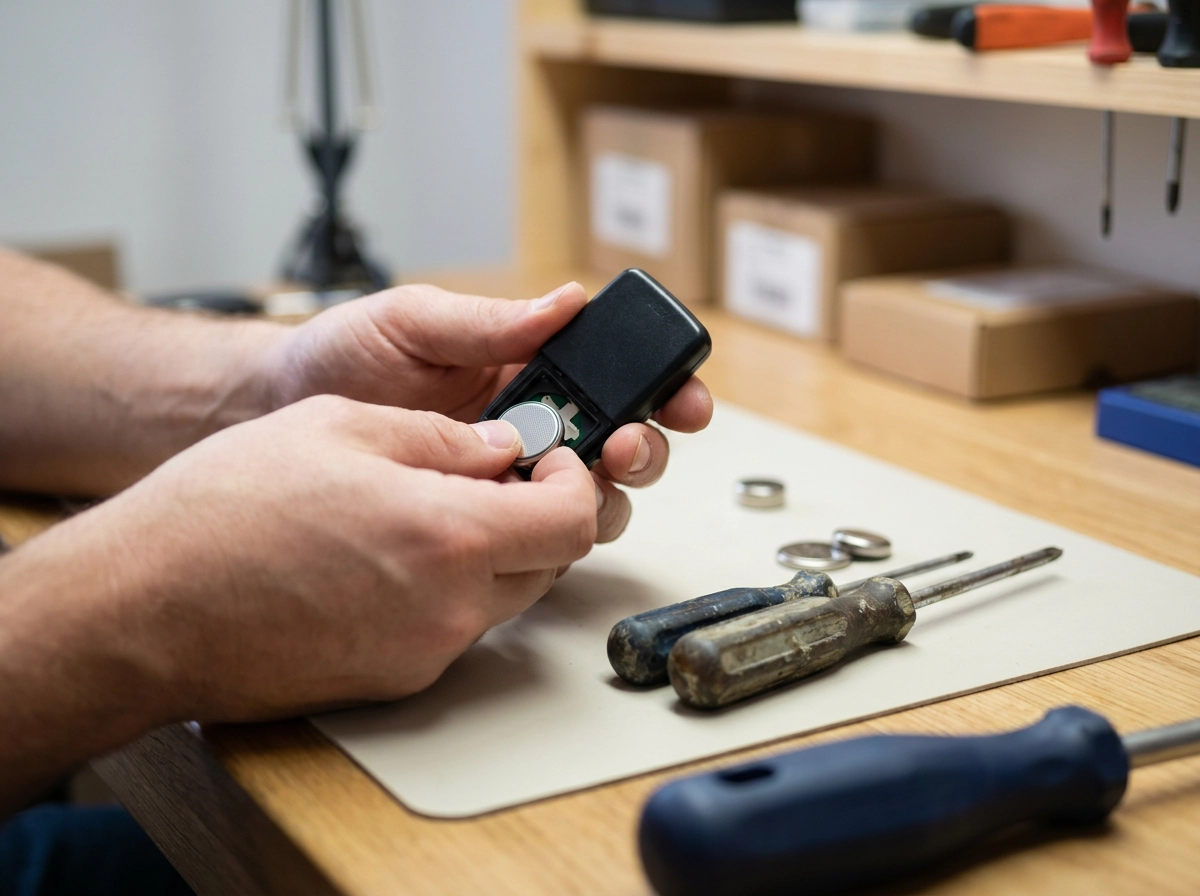
With sensors checked and power confirmed, the next step is ruling out your remote, keypad, and access control devices.
Start with the batteries. Replace the batteries in every remote fob you own. Weak batteries cause intermittent operation that closely mimics a control-board fault. It is the single most common fix for a gate that works sometimes but not others.
Test multiple remotes if you have them. If one fob opens the gate and another does not, the fault is in that specific fob, not the receiver or control board. You have just saved yourself a call-out.
Try the keypad directly. Enter your code manually. If the gate responds to the keypad but ignores the remote, the operator is fine and the fault sits in the remote or radio receiver. Press a key and check whether the backlight comes on. A completely dark keypad suggests a power or wiring issue upstream of the keypad, consult your installer documentation or call an engineer.
Check your intercom or smart-access panel separately. If your system includes a video intercom or access control unit, confirm whether it powers on independently. An intercom that is live but cannot trigger the gate points to a fault in the connection between the two systems, this typically requires engineer investigation. Understanding how electric gate automation works helps clarify where those connections sit.
Consider re-pairing your fob. If the remote still fails after battery replacement, check whether the fob needs re-pairing, rolling-code systems can fall out of sync. Consult your system manual for the re-pairing procedure; this is a straightforward DIY fix that often avoids a call-out altogether.
Step 4: The Gate Has Power But Still Will Not Move
If you have confirmed power, cleared the sensors, and tested the remote with no result, the fault has moved inside the operator itself. The three most likely culprits are a tripped thermal overload, a failed limit switch, or a control-board fault.
Thermal overload is worth ruling out first. If you ran several open-close cycles during your investigation, the motor may have overheated and tripped its internal protection. Power the operator down and allow it to cool, consult your operator manual for the recommended recovery period. If the gate moves normally after the rest, the motor was the issue rather than a failed component.
Limit switches control where the operator thinks the gate is in its travel. A gate that stopped mid-travel rather than at its fully open or closed position is the clearest sign of a limit-switch fault. Sliding gate owners can find limit switch checks in the Maintaining Your Sliding Gate: What You Need to Know guide.
Listen before calling anyone: note whether you hear any motor sound at all, any clicking, or complete silence, and relay that to the engineer, it will help them narrow the fault before arriving on site.
If the diagnostic LEDs show an error pattern, photograph it and cross-reference your operator manual before booking an engineer. That single step can significantly cut their on-site diagnostic time.
Escalation Framework: DIY Fix, Same-Day Call, or Emergency?
Once you have worked through the four diagnostic steps, decide what happens next using this three-tier framework.
Sort it yourself if: the RCD resets and holds, remote batteries were flat, sensors needed a clean or realignment, a fob needed re-pairing, or the gate resumed normal operation after a power cycle.
Book a same-day engineer if: the gate is stuck open (a live security risk), it reverses on every close attempt, error codes persist after a power cycle, or a control-board fault is confirmed by LED diagnostics.
Treat as an emergency and stop all investigation if: a vehicle or person is trapped and cannot be manually released, you can smell burning or see scorch marks on any electrical component, the consumer unit sparks when you reset the gate circuit, or a commercial or agricultural gate must stay operational for site security. Call a specialist immediately.
When you ring for automatic gate repairs, tell the engineer which steps you have already completed. Power confirmed, sensors cleared, remote tested; this cuts their on-site diagnostic time and can reduce your call-out cost.
Portara Automation supports residential, commercial, and agricultural customers across East Sussex, West Sussex, and Kent. A quick call before booking can confirm whether your fault is DIY-resolvable or needs same-day attendance. You can also read more about why local knowledge and aftercare matter when choosing an installer.
How UK Weather Patterns Create Recurring Electric Gate Problems
Beyond the fault categories covered above, the local environment in East Sussex, West Sussex, and Kent introduces recurring problems that most generic guidance simply does not address.
Salt spray is a primary concern for coastal properties. In coastal areas, salt-laden air can accelerate sensor lens fouling and terminal corrosion. Clean sensor lenses at least monthly through autumn and winter, and apply a light silicone spray to exposed terminals once a year.
Ground frost can affect swing gates with hydraulic rams. If your gate stalls on frosty mornings but recovers as temperatures rise, have an engineer check whether the hydraulic fluid grade is appropriate for local winters.
Autumn leaf fall, from October through December, is a common cause of photoeye blockages and sliding gate track obstructions. Step 2 covers the immediate clearance procedure; this section addresses the seasonal pattern behind it. A quick weekly check of sensor faces and the gate's travel path during this period prevents most cold-weather call-outs.
Prolonged wet weather creates a subtler problem. Heavy rain can enter poorly sealed control-panel enclosures, causing intermittent faults. If faults appear consistently after rain and clear in dry conditions, the enclosure seal needs attention rather than the components inside it.
When to Suspect a Fault Specific to Your Gate Installation
Environmental faults affect any gate, but if yours was built to a custom specification, generic diagnostic guides may not reflect your actual setup. Bespoke metalwork can place sensors and control-board enclosures in non-standard positions. If a fault step here does not match what you see, stop and consult your installation documentation instead.
Your wiring schematic and sensor map, provided at installation by Portara Automation or another specialist fabricator, describe your gate exactly and are your most reliable diagnostic reference. If you are unsure which gate system suits a property before installation begins, Making the Right Choice for Your Property is a useful starting point.
Heavier bespoke gates place greater demands on torque settings and limit-switch calibration. A stopping fault that develops months after installation may relate to settings drift or wear rather than a component failure, an engineer familiar with your specific installation can confirm this.
Agricultural and commercial gates in East Sussex and Kent frequently integrate safety edges, loop detectors, and access-control systems. Each added component is a potential fault point; check every integrated device in turn before concluding the operator itself has failed.
Key Takeaways Before You Make That Call
Whether your gate is a standard residential swing gate or a bespoke fabricated installation, the diagnostic logic is the same.
Follow the four-step sequence in order: power supply, sensors and obstructions, remote and access devices, then internal operator faults. Skipping ahead wastes time and can send you chasing the wrong problem.
Use the escalation framework above to decide your next step before picking up the phone.
Your diagnostic notes from the steps above are your most valuable asset on that call.
For recurring problems, the UK Weather section identifies the seasonal patterns most relevant to this region.
If the fault sits outside the DIY-safe category, the team at Portara Automation provides specialist electric gate repair across East Sussex, West Sussex, and Kent. Contact them with your diagnostic notes and they can assess the situation accurately, without unnecessary back-and-forth.